
Be sure to grab the latest version of this document here:
https://links.crunchtime.com/SG-ImportProductImagesUtility
OR by scanning the QR code to the left.
‘Import Product Images Utility’ is a tool Crunchtime developed to bulk import images for products and recipes. It supports these image formats:
Make sure the software listed below is installed and all is 64 bit before using the tool to import images.

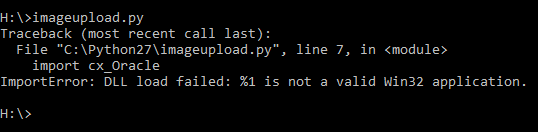
pip install openpyxl
pip install Pillowpip install configparser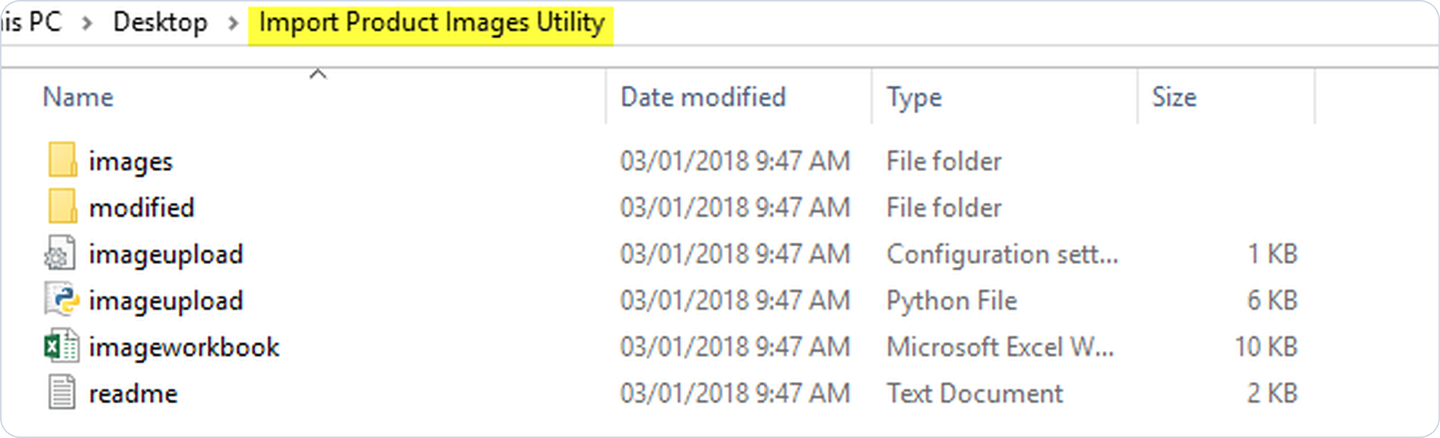
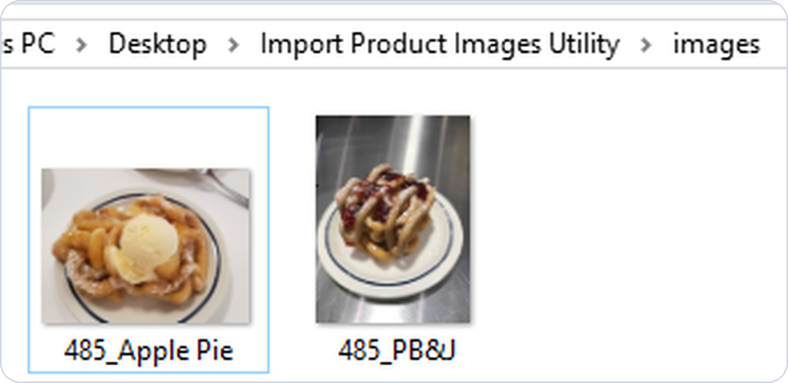

[DBCONNECTION]
username - Database username
password - Database password
tnsnames - Database TNS information
[MISC]
workbook - Name of workbook
imagefld - Folder where unedited images are located
imagemod - Folder where edited images are stored
maxwidth - Maximum width of an image in pixels (Recommended not to exceed 512)
maxheigt - Maximum height of an image in pixels (Recommended not to exceed 352)
(See example on next page)
Example of modifying imageupload.ini:


Below is an example:

python imageupload.py
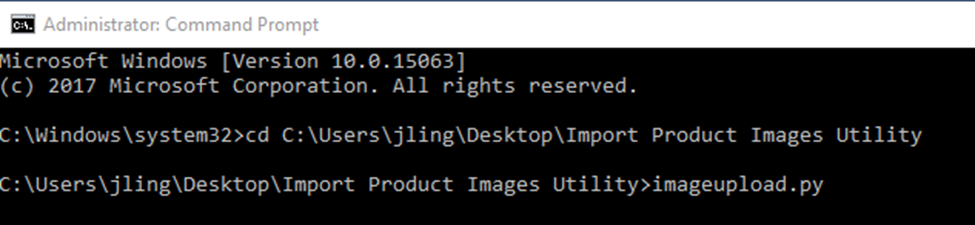
All required software should be 64 bit. In addition, Product Numbers and Image Names are needed in order to bulk import images for product or recipe.