Be sure to grab the latest version of this document here:
https://links.crunchtime.com/QS-EncryptFilesUsingGPG
OR by scanning the QR code to the left.
This document outlines the steps to encrypt files using GPG on Linux.
OR by scanning the QR code to the left.
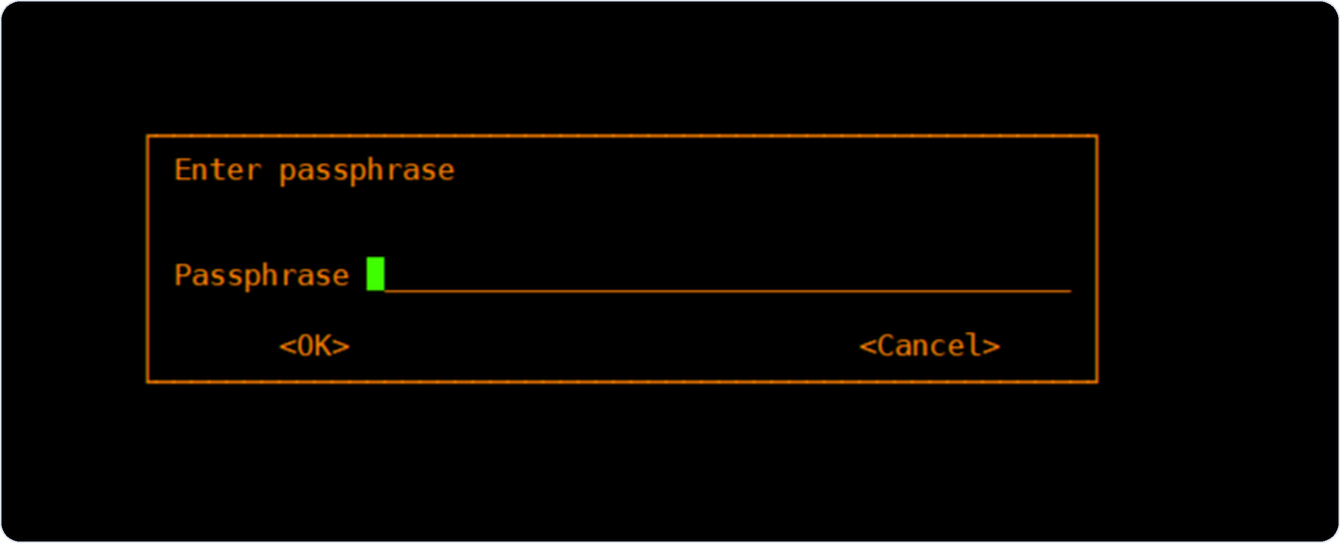
You can use GPG to password encrypt a file or files, but this does not work on folders.